> ## Documentation Index
> Fetch the complete documentation index at: https://docs-staging-quickstart-revamp.mintlify.site/llms.txt
> Use this file to discover all available pages before exploring further.

> Use the Twilio actions to send SMS and make calls using Twilio.

# Twilio

This list of Twilio actions allows you to send SMS and make calls using Twilio as provider.

## Configure your Vault connection

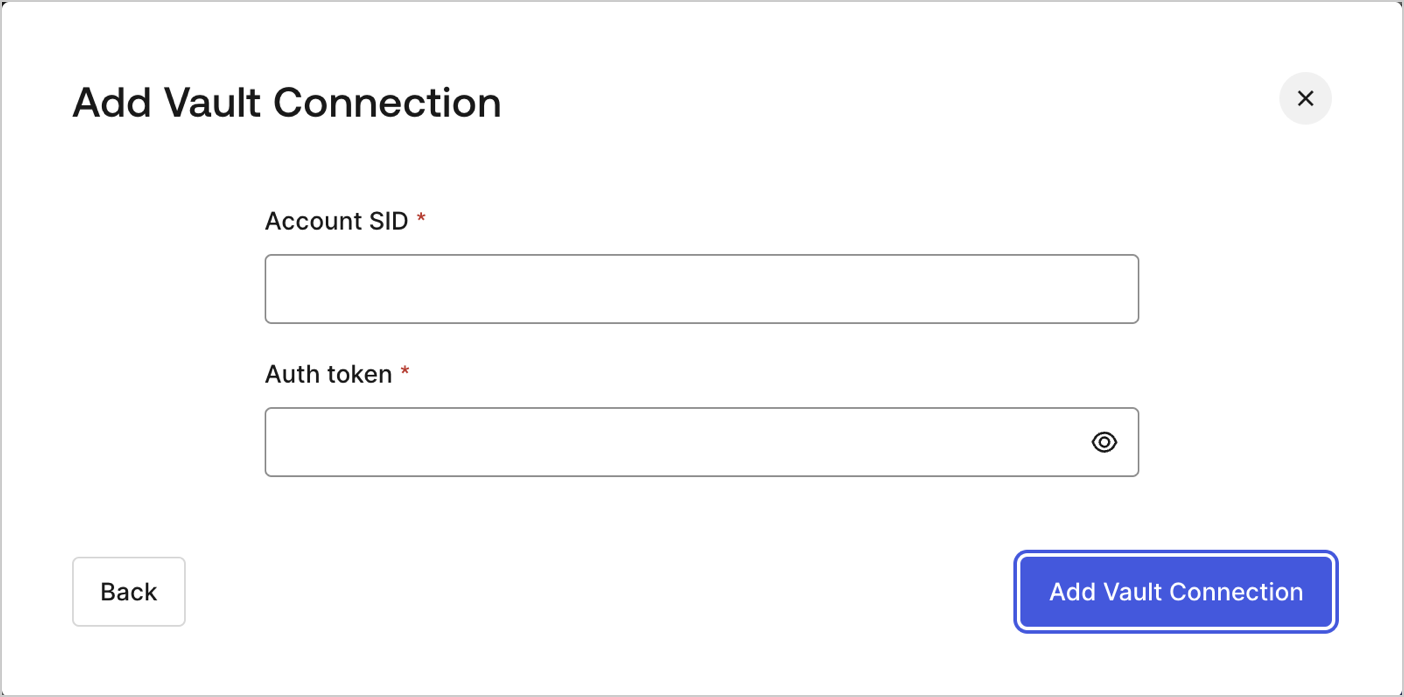
To configure a Vault connection for your Twilio actions, you will need an **Account SID** and an **Auth token**:

<Frame>
  <img src="https://mintcdn.com/docs-staging-quickstart-revamp/KCEsvkqT5-VRQ297/images/cdy7uua7fh8z/7MafHKBR1acJE0iGtab2J4/5f4d85a149b9dbd881b4c4558bb0e7bb/twilio-vault-connection.png?fit=max&auto=format&n=KCEsvkqT5-VRQ297&q=85&s=0e987a336e4ce4f0ac873db2906d3c47" alt="Dashboard > Actions > Forms > Flows > actions > Twilio" data-og-width="1404" width="1404" data-og-height="697" height="697" data-path="images/cdy7uua7fh8z/7MafHKBR1acJE0iGtab2J4/5f4d85a149b9dbd881b4c4558bb0e7bb/twilio-vault-connection.png" data-optimize="true" data-opv="3" srcset="https://mintcdn.com/docs-staging-quickstart-revamp/KCEsvkqT5-VRQ297/images/cdy7uua7fh8z/7MafHKBR1acJE0iGtab2J4/5f4d85a149b9dbd881b4c4558bb0e7bb/twilio-vault-connection.png?w=280&fit=max&auto=format&n=KCEsvkqT5-VRQ297&q=85&s=b37672bbb40aab46a531d862ed1eb2a0 280w, https://mintcdn.com/docs-staging-quickstart-revamp/KCEsvkqT5-VRQ297/images/cdy7uua7fh8z/7MafHKBR1acJE0iGtab2J4/5f4d85a149b9dbd881b4c4558bb0e7bb/twilio-vault-connection.png?w=560&fit=max&auto=format&n=KCEsvkqT5-VRQ297&q=85&s=c98ae6647825f3dbb5048616e4ff9b46 560w, https://mintcdn.com/docs-staging-quickstart-revamp/KCEsvkqT5-VRQ297/images/cdy7uua7fh8z/7MafHKBR1acJE0iGtab2J4/5f4d85a149b9dbd881b4c4558bb0e7bb/twilio-vault-connection.png?w=840&fit=max&auto=format&n=KCEsvkqT5-VRQ297&q=85&s=1ab24b7e420813bab9836779a9a68edf 840w, https://mintcdn.com/docs-staging-quickstart-revamp/KCEsvkqT5-VRQ297/images/cdy7uua7fh8z/7MafHKBR1acJE0iGtab2J4/5f4d85a149b9dbd881b4c4558bb0e7bb/twilio-vault-connection.png?w=1100&fit=max&auto=format&n=KCEsvkqT5-VRQ297&q=85&s=b4134c72e3a91b6599975276262859e0 1100w, https://mintcdn.com/docs-staging-quickstart-revamp/KCEsvkqT5-VRQ297/images/cdy7uua7fh8z/7MafHKBR1acJE0iGtab2J4/5f4d85a149b9dbd881b4c4558bb0e7bb/twilio-vault-connection.png?w=1650&fit=max&auto=format&n=KCEsvkqT5-VRQ297&q=85&s=303302646876b9eb365b2abaa875acc1 1650w, https://mintcdn.com/docs-staging-quickstart-revamp/KCEsvkqT5-VRQ297/images/cdy7uua7fh8z/7MafHKBR1acJE0iGtab2J4/5f4d85a149b9dbd881b4c4558bb0e7bb/twilio-vault-connection.png?w=2500&fit=max&auto=format&n=KCEsvkqT5-VRQ297&q=85&s=3212dc3000d328fd7c97982abf350297 2500w" />
</Frame>

They can be found at [Twilio's console dashboard](https://console.twilio.com/).

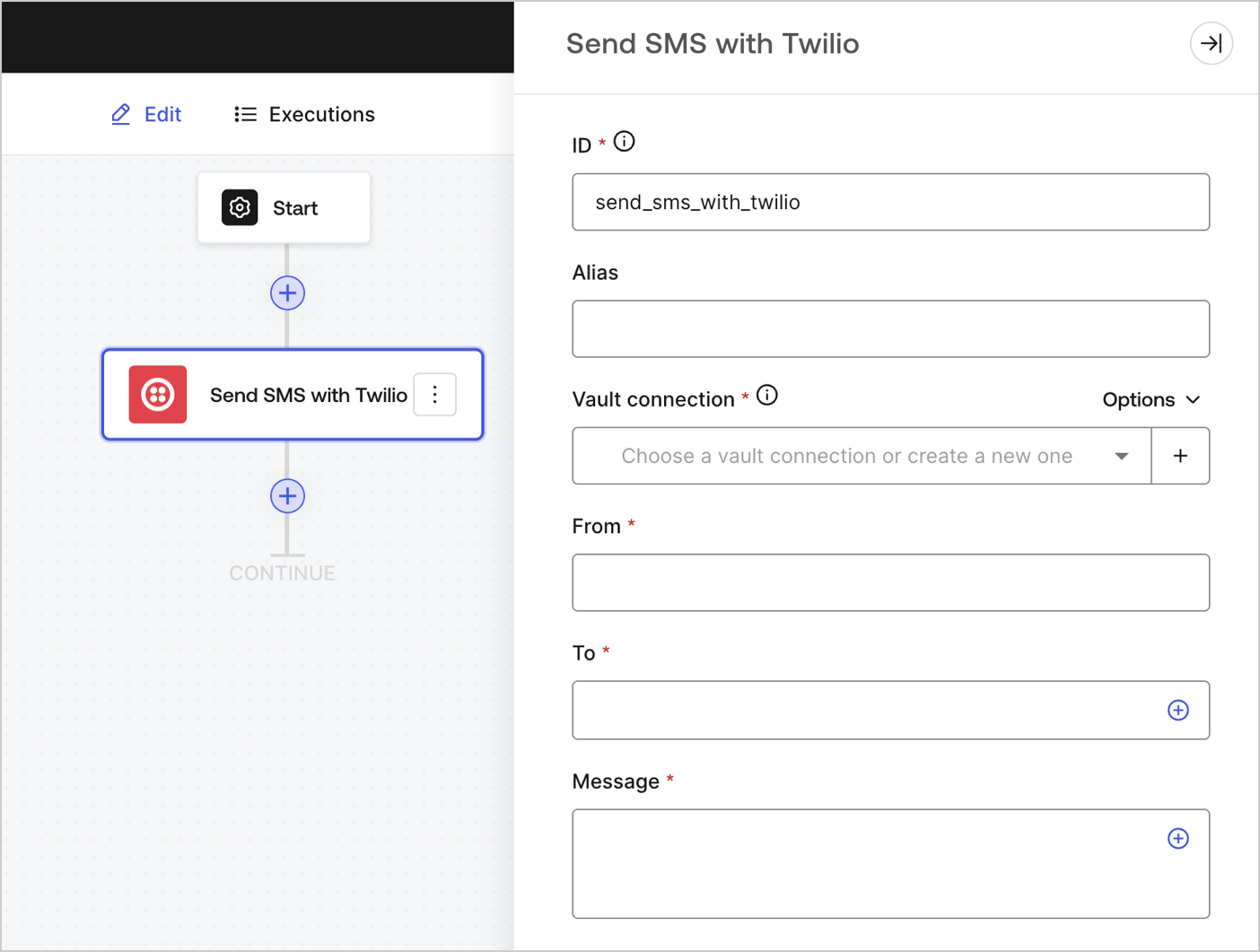
## Send SMS

Sends an SMS.
<Frame>
  <img src="https://mintcdn.com/docs-staging-quickstart-revamp/TYcLtS8UbiQUCV_p/images/cdy7uua7fh8z/4lPqmcYGCJ2oRHM3GSta6w/10b0141d163e4be601c2786895486440/sendsmstwilio.png?fit=max&auto=format&n=TYcLtS8UbiQUCV_p&q=85&s=afd24492e5ed33ecdab6132a5a4f0b35" alt="" width="1404" height="1061" data-path="images/cdy7uua7fh8z/4lPqmcYGCJ2oRHM3GSta6w/10b0141d163e4be601c2786895486440/sendsmstwilio.png" />
</Frame>

### Input settings

<table class="table">
  <thead>
    <tr>
      <th><b>Parameter</b></th>
      <th><b>Description</b></th>
    </tr>
  </thead>

  <tbody>
    <tr>
      <td>From (required)</td>
      <td>The name of the sender of the SMS.</td>
    </tr>

    <tr>
      <td>To (required)</td>
      <td>The destination phone number in <a href="https://en.wikipedia.org/wiki/E.164">E.164 format</a>.</td>
    </tr>

    <tr>
      <td>Message (required)</td>
      <td>The body content of the SMS.</td>
    </tr>
  </tbody>
</table>

### Output settings

You can find all the expected status codes at [Twilio's documentation](https://www.twilio.com/docs/messaging/api/message-resource#message-status-values).

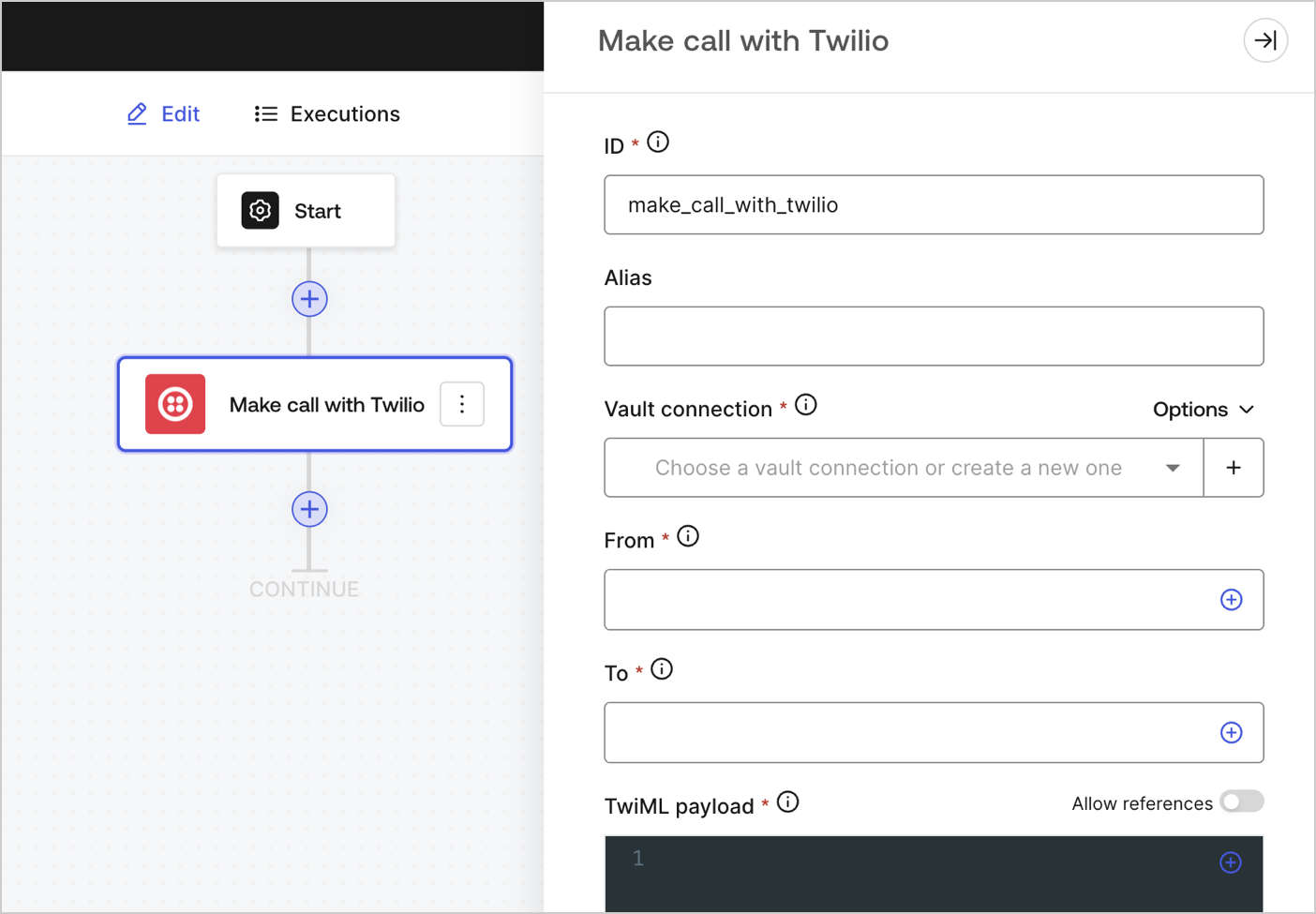
## Make call

Makes a call.

<Frame>
  <img src="https://mintcdn.com/docs-staging-quickstart-revamp/R8rXfTj95YBIEuC2/images/cdy7uua7fh8z/4JaAbJIVuVUJY40lhQuVUN/1a1bd6143c8033c12e18fa49252bd36b/makecalltwilio.png?fit=max&auto=format&n=R8rXfTj95YBIEuC2&q=85&s=c41c3e5c2b24c6f6bafec63d5d8bd5bc" alt="" width="1404" height="975" data-path="images/cdy7uua7fh8z/4JaAbJIVuVUJY40lhQuVUN/1a1bd6143c8033c12e18fa49252bd36b/makecalltwilio.png" />
</Frame>

### Input settings

<table class="table">
  <thead>
    <tr>
      <th><b>Parameter</b></th>
      <th><b>Description</b></th>
    </tr>
  </thead>

  <tbody>
    <tr>
      <td>From (required)</td>
      <td>Your Twilio phone number. Country code must be included. Example: +18005550175, 1 is the country code for the United States.</td>
    </tr>

    <tr>
      <td>To (required)</td>
      <td>The destination phone number in <a href="https://en.wikipedia.org/wiki/E.164">E.164 format</a>.</td>
    </tr>

    <tr>
      <td>
        TwiML payload (required)
      </td>

      <td>
        <p>The TwiML instructions for your voice message.</p> To learn more, read <a href="https://www.twilio.com/docs/voice/twiml">Twilio's TwiML documentation</a>.
      </td>
    </tr>
  </tbody>
</table>

### Output settings

You can find all the expected status codes at [Twilio's documentation](https://www.twilio.com/docs/voice/twiml).